
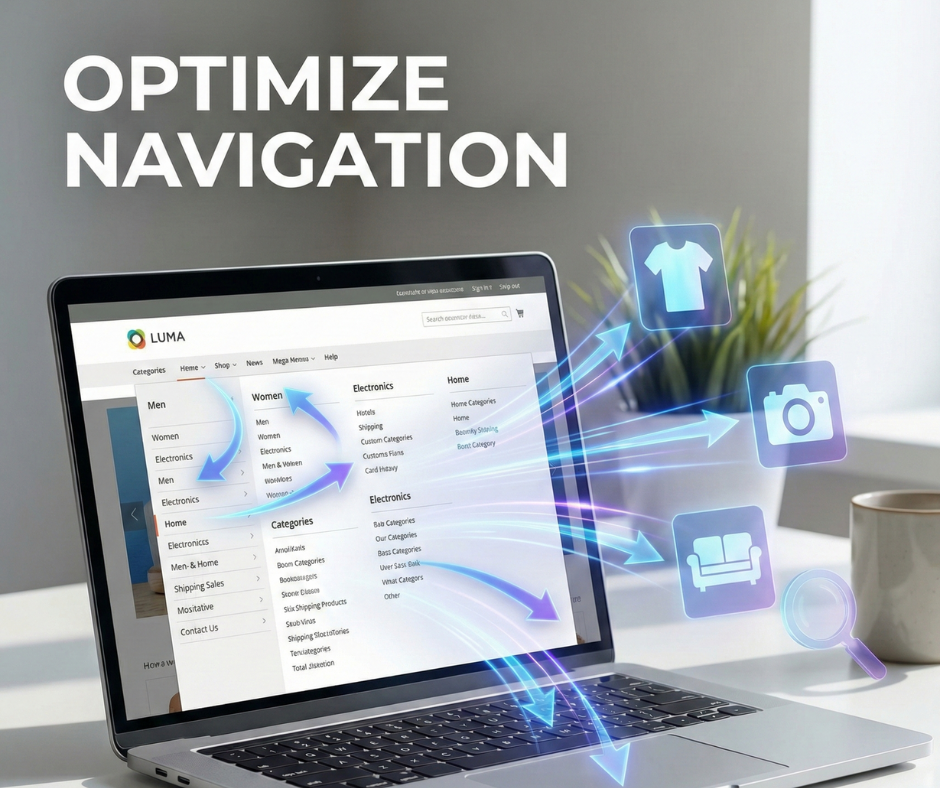
In the complex architecture of an eCommerce store, navigation functions as the primary roadmap that guides both potential customers and search engine crawlers toward your products. For Magento store owners, navigation is not just a visual menu; it is a technical framework that determines the discoverability of your entire catalog. When navigation is well-executed, it facilitates a seamless journey for users while distributing essential link equity across the site, ensuring that high-value pages receive the visibility they deserve.
However, the challenge lies in the dual nature of this task. Learning how to optimize Magento navigation for humans and search engines at the same time requires balancing aesthetic simplicity with technical transparency. Common mistakes, such as over-complicated hierarchies or unmanaged faceted navigation, often create friction for shoppers and “crawl traps” for bots. This guide provides a comprehensive blueprint to help you master this balance, covering everything from mobile-first usability to advanced indexing controls for large-scale Magento installations.
How humans use Magento navigation
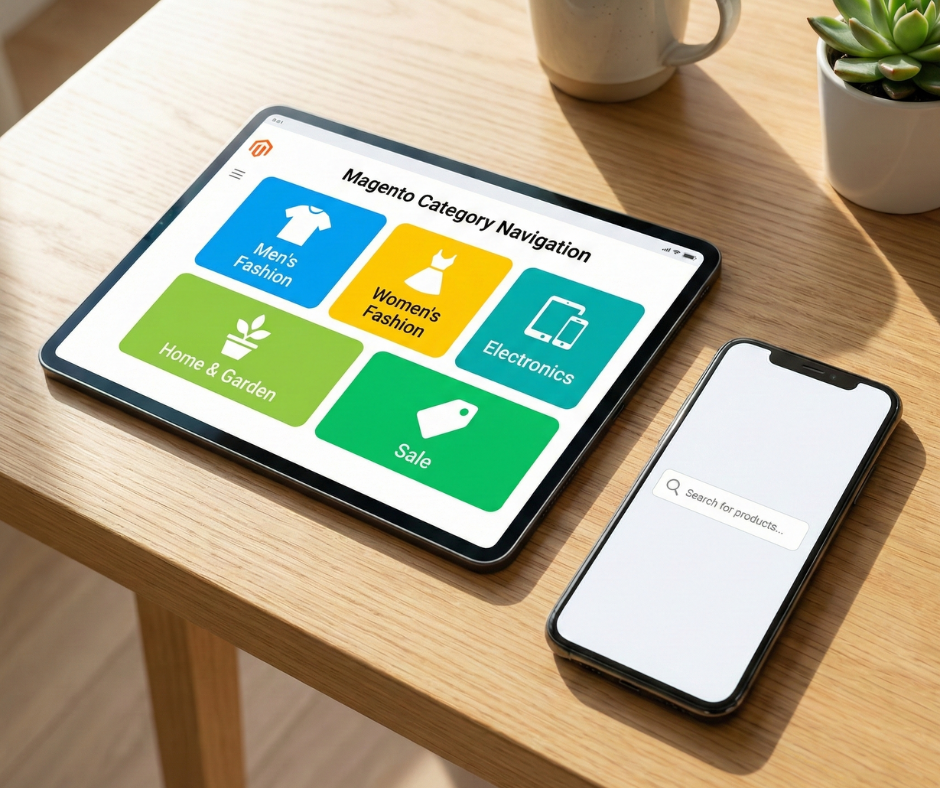
Understanding human interaction with your storefront is the first step toward effective optimization. Human users approach navigation with specific psychological expectations and cognitive limitations.
User behavior and expectations in e-commerce navigation
Shoppers typically fall into two categories: “searchers” who know exactly what they want and use the search bar, and “browsers” who rely on the navigation menu to understand your product scope. Browsers look for an “information scent”—visual and textual cues that suggest they are moving closer to their goal. If your navigation menu is confusing or inconsistent, users experience cognitive overload, which leads to high bounce rates and abandoned sessions.
Importance of clear labels and intuitive category structure
Labels must be descriptive and predictable. A user looking for industrial tools expects to see a category labeled “Power Tools” rather than a cryptic internal brand name. Intuition is built on familiarity; your navigation should mirror the mental models of your target audience. A logical hierarchy that moves from broad categories to specific sub-categories allows users to narrow their choices without feeling overwhelmed by the sheer volume of SKUs.
Navigation depth and click paths
The “three-click rule”—the idea that no product should be more than three clicks away from the homepage—is a vital benchmark for UX. While not an absolute law, it emphasizes the importance of a shallow site architecture. Each additional click is a point of potential friction where a customer might decide the effort of finding a product exceeds the perceived value. Optimized navigation paths reduce “time to cart,” which is a primary driver of conversion in both B2C and B2B sectors.
Mobile vs desktop navigation behavior
Navigation behavior shifts dramatically between devices. Desktop users benefit from “Mega Menus” that show the entire catalog at once. Mobile users, restricted by screen real estate, rely on “Hamburger” menus and accordions. Mobile users are often more goal-oriented and have less patience for complex multi-level menus. Ensuring that your mobile navigation is thumb-friendly and fast-loading is critical for retaining visitors in a mobile-first world.
How search engines crawl Magento navigation
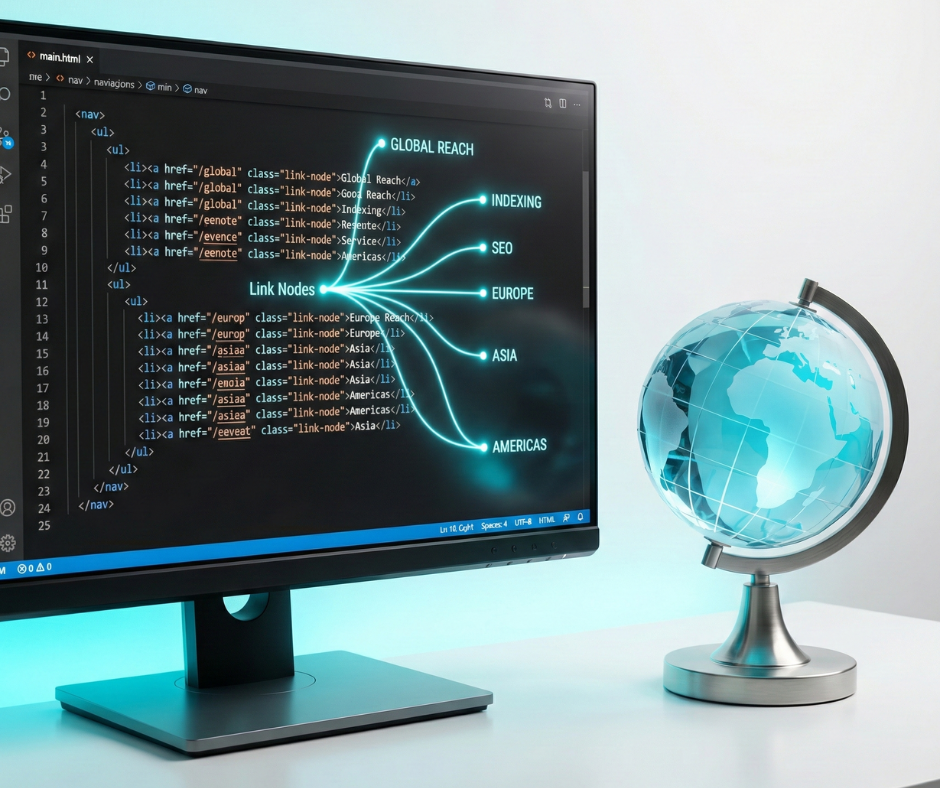
Search engine crawlers do not “see” your site; they “read” it. They follow the links in your navigation to understand the relationship between pages and to determine which content is the most important.
How crawlers discover pages via navigation links
Googlebot enters your site and follows the href attributes found in your HTML. Your main navigation menu is the most influential set of links because it typically appears on every single page. This constant presence signals to search engines that the linked categories are the most authoritative pages on your domain. If your navigation is broken or hidden behind complex JavaScript that bots cannot execute, your products may never be discovered or indexed.
Crawl depth, internal linking, and site architecture
Crawl depth refers to how many steps a bot must take to reach a page. Search engines prioritize pages that are closer to the homepage. A Magento store with a deep, nested hierarchy (e.g., 6 or 7 levels of sub-categories) risks having its deepest products ignored by bots. A flat site architecture ensures that even granular products receive enough link equity (PageRank) to rank for specific, long-tail search queries.
Why navigation structure impacts indexing and rankings
Navigation structure defines your site’s topical authority. By grouping related products under clear parent categories, you help search engines understand the context of your business. If your internal linking through navigation is clear and logical, Google can more easily crawl, categorize, and rank your pages. Conversely, a disorganized structure sends conflicting signals, making it difficult for the search engine to determine which page should rank for a given keyword.
Common crawl challenges in Magento stores
Magento’s robust features can accidentally create SEO hurdles. Layered navigation (filters) can generate millions of unique URLs for a single category, leading to “crawl budget” waste. Proactively identifying and fixing these faceted navigation seo issues in Magento is the only way to ensure search bots focus their energy on your high-priority products instead of getting lost in a maze of redundant parameters. Bots may spend all their energy crawling thousands of variations of “Price” or “Color” filters instead of finding your new product arrivals. Managing these “bot magnets” is a core component of a professional Magento SEO strategy.
How to optimize Magento navigation for users
To improve user satisfaction and conversion rates, you must refine the functional aspects of how your menu and categories operate.
Improve category structure and hierarchy
A high-performing hierarchy is built on logical parent-child relationships that mirror the user’s intent. Avoid creating too many top-level categories; according to Miller’s Law, the average person can only keep 7 (± 2) items in their working memory. A cluttered top menu forces users to scan a wide area, increasing decision fatigue. Instead, group products into broad, intuitive silos like “Industry,” “Product Type,” or “Use Case.”
It is also vital to avoid duplicate or overlapping categories. If a user finds the same sub-category under multiple parents, they may become confused about their location within the site. To solve this, utilize “Virtual Categories” in Magento, which allow you to show a single category’s products in multiple locations using dynamic rules without creating redundant navigation paths. Additionally, ensure your “Taxonomy” (how products are organized) aligns with your “User Journey” (how people shop).
Balancing these two priorities is a central challenge when managing SEO-friendly product filtering vs user experience in Magento stores, as the system must provide enough granular options for discovery without creating a technical architecture that confuses search engine bots. For example, a B2B store might offer a “Shop by Machine Model” category to help technical buyers find spare parts faster, effectively reducing “pogo-sticking” behavior between irrelevant pages.
Enhance menu usability
Mega menus are exceptionally effective for Magento stores with large catalogs, but they must be engineered for “Progressive Disclosure.” This means showing only the most relevant information at first and allowing the user to reveal deeper layers as needed. Limit the number of top-level items to maximize white space and legibility. Use clear, bold headings within the mega menu to silo different sub-sections, helping users “pre-scan” their destination before moving the mouse.
Intuitive hover and click behavior are essential for a professional feel. On desktop, sub-menus should appear with a slight “intent delay” (approx. 250ms) to prevent accidental triggers as the mouse traverses the header. Furthermore, implement “diagonal movement” support (the Amazon-style menu logic) so the menu doesn’t close if the user moves their cursor diagonally toward a sub-item. For accessibility, ensure your menu is keyboard-navigable (using Tab and Arrow keys) and utilizes appropriate ARIA labels so screen readers can interpret the menu’s state correctly.
Optimize mobile navigation
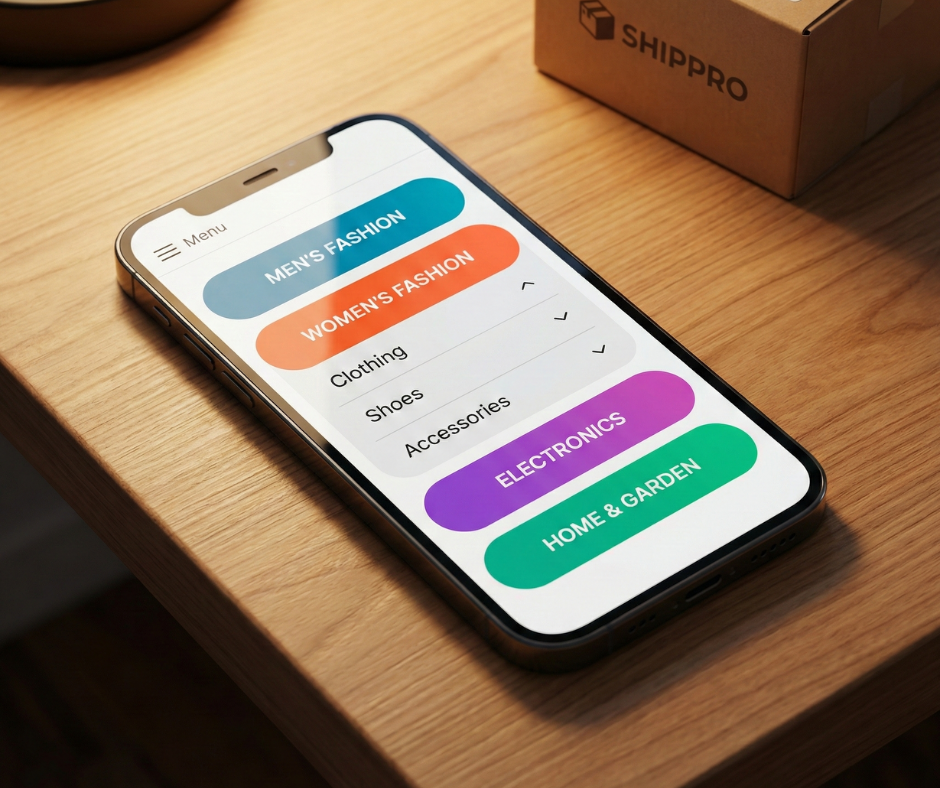
In a mobile-first world, your mobile navigation must be even more efficient than the desktop version. Use expandable accordions that allow users to drill down into sub-categories without triggering a full page reload, which preserves the user’s “flow.” Touch targets—buttons and links—must be large enough for easy tapping (at least 48×48 pixels) to accommodate all hand sizes.
Reducing friction for mobile users involves more than just layout; it requires “Contextual Navigation.” Make the “Search” bar, “Account,” and “Cart” icons “sticky” or easily accessible in the mobile header, allowing high-intent users to bypass the menu entirely. Consider implementing a “breadcrumb-less” mobile design that uses a “Back to [Parent Category]” link at the top of the menu to simplify vertical movement. For Magento PWA (Progressive Web App) stores, ensure navigation transitions are instantaneous to mimic the speed of a native mobile application, as even a 100ms delay in menu response can significantly increase bounce rates.
How to optimize Magento navigation for search engines
Technical optimization ensures that your user-friendly navigation is also bot-friendly. Effectively understanding how to optimize Magento navigation for humans and search engines means implementing technical “guardrails” to guide bot behavior and maximize crawl efficiency.
Strengthen internal linking through navigation
Your navigation menu is your most powerful tool for “PageRank Sculpting.” Because navigation links appear on every page, they carry the highest weight in your site’s internal link graph. Prioritize links to your high-margin categories and primary revenue-driving landing pages. Avoid cluttering the global navigation with low-value links, such as “Privacy Policy,” “Log In,” or “Return Status.” While these are essential for users, they should reside in the footer to preserve the “link equity” for your core commercial pages.
Furthermore, ensure your navigation links are in the “Primary HTML Source Order.” Search engines give more weight to links that appear earlier in the code. If your mega-menu is pushed to the bottom of the DOM (Document Object Model) and positioned at the top via CSS, bots may devalue those links. Use descriptive, keyword-rich “Anchor Text” for every menu item (e.g., “Industrial Safety Gear” instead of just “Safety”) to provide search engines with clear semantic context about the destination page’s content.
Control crawl paths and indexing
One of the most complex parts of knowing how to optimize Magento navigation for humans and search engines is managing layered navigation (faceted navigation) URLs. Filters like “Color,” “Size,” and “Price” can generate billions of unique URL permutations, leading to “Crawl Bloat.” To prevent this, use noindex tags on low-value filter combinations—specifically those showing only a few products or those that don’t align with search intent.
Utilizing top Magento 2 extensions to optimize for product discovery can help automate this process by generating SEO-friendly, “slugified” URLs for high-volume filter combinations (e.g., shoes/nike-red-size-10) while using AJAX or “Post-Redirect-Get” (PRG) patterns to hide low-value filters from crawlers entirely. Additionally, your robots.txt file must be configured to disallow the crawling of technical parameters like ?product_list_order=, ?product_list_limit=, and ?dir=. This ensures that Googlebot focuses its finite crawl budget on your “clean,” indexable category and product pages rather than session-based variations.
Use breadcrumbs for SEO and UX
Breadcrumbs provide a secondary navigation path that reinforces your site’s hierarchy for both users and bots. For users, they serve as an “anchor,” showing exactly where they are in a deep catalog and allowing them to jump back to any parent level instantly. This is particularly useful for visitors landing directly on a long-tail product page from a search result.
For search engine crawlers, breadcrumbs are a goldmine of structural data. Magento breadcrumbs should always use “Schema.org Markup” (JSON-LD) to ensure they appear as “Rich Snippets” in Google’s search results. This structured data helps Googlebot understand the categorical relationship between products and their parents more efficiently. Avoid “Path-based” breadcrumbs (which show the user’s specific history) and stick to “Hierarchy-based” breadcrumbs, as the latter provides a consistent internal linking structure that maps the actual architecture of your store, thereby passing link equity up the chain to high-level parent categories.
Magento navigation best practices checklist
To ensure your store is fully optimized, follow this structured checklist for ongoing maintenance:
Navigation structure and hierarchy
- Is the category tree limited to a maximum of 3 or 4 levels of depth?
- Are category labels descriptive and aligned with user search intent?
- Have you eliminated redundant or overlapping category silos?
Internal linking and crawl depth
- Are all primary revenue-driving pages linked directly from the main menu?
- Does every page have a self-referencing canonical tag to prevent duplicate content?
- Is the “homepage to product” path as short as possible?
Layered navigation handling
- Are technical parameters (sorting, pagination) blocked via robots.txt?
- Have you used noindex tags for low-value attribute combinations?
- Are high-volume filter combinations (e.g., Brand + Category) optimized as SEO landing pages?
Mobile usability and performance
- Is the mobile hamburger menu lightweight and fast-loading?
- Are all touch targets appropriately sized for mobile users?
- Does the menu work without causing “Layout Shift” (CLS) during page load?
Ongoing monitoring and maintenance
- Are you regularly checking Google Search Console for “Crawl Stats” anomalies?
- Do you perform quarterly audits to find “Orphan Pages” missing from navigation?
- Are you testing new category labels through A/B testing or heatmaps?
Final thoughts
Ultimately, Magento navigation should serve humans first, without confusing search engines. The most successful eCommerce stores are those that treat their site architecture as a living asset rather than a static design choice. By prioritizing a shallow hierarchy, descriptive labels, and robust technical controls, you create a foundation that supports both high-level organic rankings and a frictionless customer experience.
Mastering the process of how to optimize Magento navigation for humans and search engines is an ongoing journey. As your product catalog grows and consumer behavior evolves, your navigation must adapt to maintain its efficiency. Encourage constant collaboration between your SEO specialists, UX designers, and development teams. When these disciplines work in harmony, they transform your Magento navigation from a simple list of links into a powerful engine for discovery, growth, and long-term brand loyalty.