
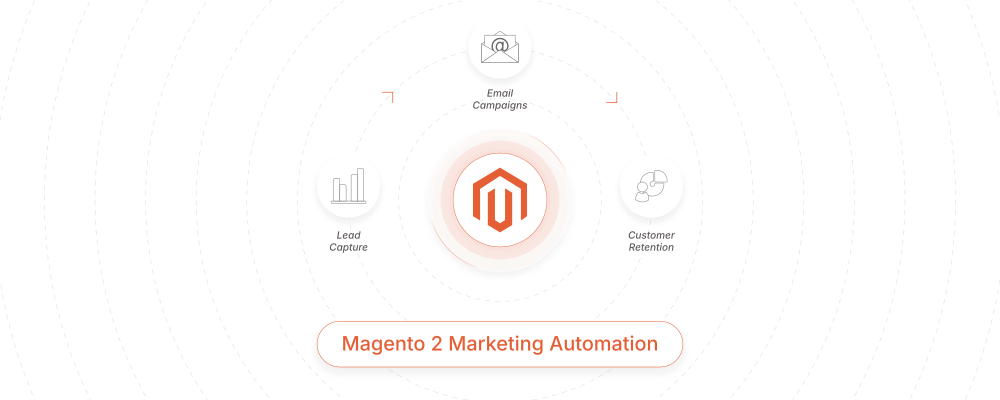
In the competitive landscape of modern e-commerce, the ability to scale depends heavily on how well a merchant can leverage data to drive sales without increasing manual overhead. For Magento (Adobe Commerce) users, marketing automation is the bridge between basic shopkeeping and a sophisticated, self-optimizing revenue engine.
This guide provides a comprehensive roadmap for transforming your Magento store into an automated powerhouse, focusing on the strategic “why” and the technical “how.”
Magento marketing automation: what it is and why it matters
Marketing automation within the Magento ecosystem involves using software to handle repetitive marketing tasks across multiple channels—email, SMS, on-site recommendations, and social media. Instead of broadcasting generic messages to your entire database, automation uses real-time triggers from Magento’s database (such as purchase history, cart contents, and browsing behavior) to deliver hyper-relevant content.
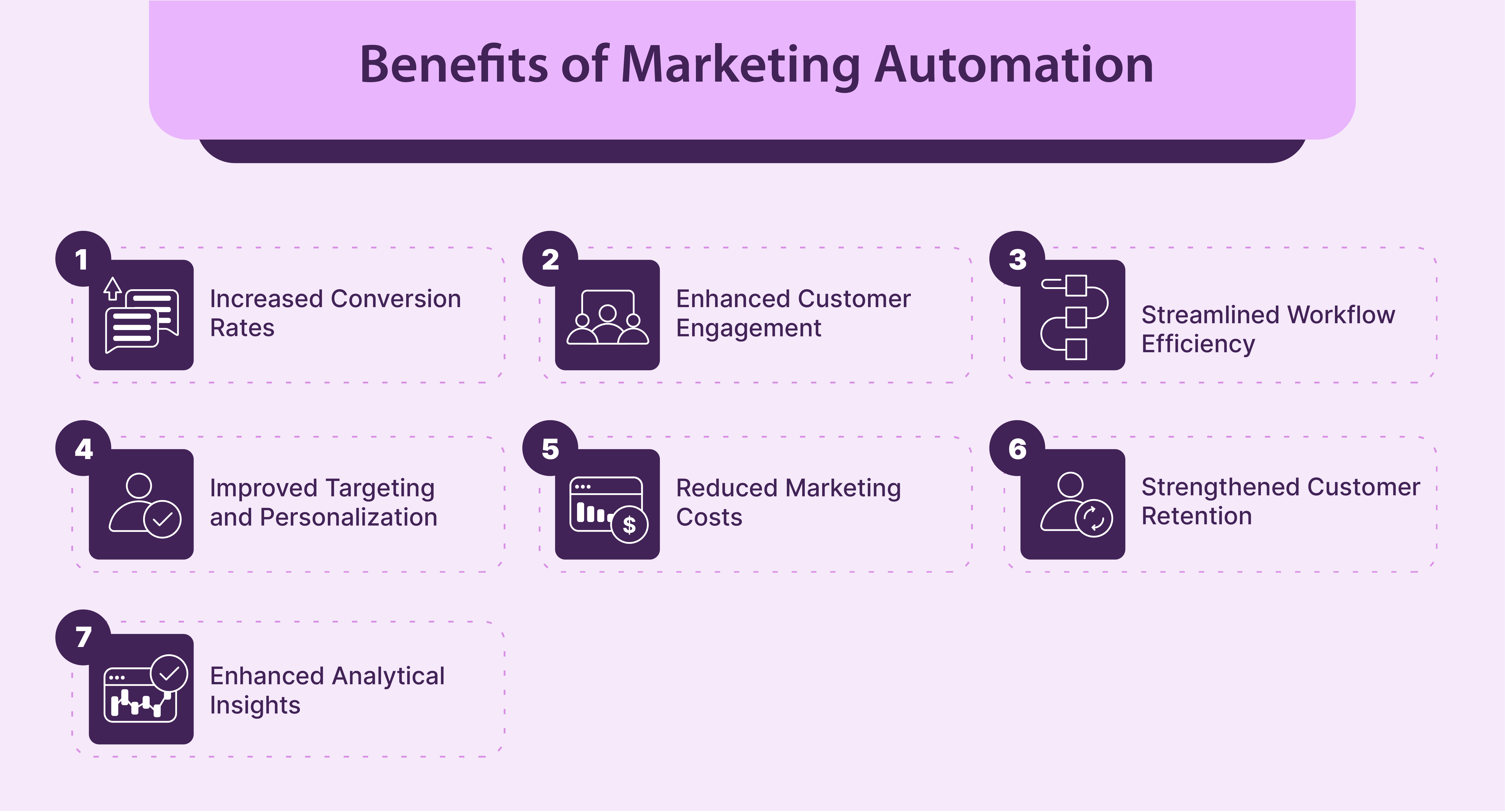
For Magento merchants, the stakes are high. High-growth stores often struggle with the complexity of managing large catalogs and diverse customer groups. Automation solves this by:
- Eliminating Manual Labor: Automating the delivery of transactional and promotional messages.
- Enhancing Personalization: Utilizing Magento’s rich customer data to tailor the shopping experience.
- Increasing Customer Lifetime Value (CLV): Engaging customers throughout their entire lifecycle, from first visit to loyal advocacy.
- Operational Scalability: Allowing the marketing team to focus on high-level strategy while the system manages the day-to-day execution.
Read more: Magento sitemap
Core Magento marketing automation workflows
To achieve a high return on investment (ROI), Magento store owners must implement the following core workflows.
Read more: Magento multi-channel marketing
Automated email marketing (Welcome emails, campaigns, cart reminders)
Why It Matters: Automated email marketing allows Magento stores to engage customers consistently without manual effort. It helps deliver timely, relevant messages that increase conversions, reduce drop-offs, and support customers throughout their buying journey. Because it is trigger-based, the relevance is significantly higher than a standard newsletter.
High-Level Strategy: Build email automation based on customer lifecycle stages. Use welcome emails for new users to introduce the brand, behavior-based campaigns for browsing or purchasing actions to build momentum, and reminder emails for inactive or cart-abandoning customers to prevent churn.
How to Implement in a Magento Store
- Configure SMTP Settings: Magento’s default mailer is often insufficient for high-volume automation. Navigate to Stores > Settings > Configuration > System > Mail Sending Settings. It is highly recommended to use an SMTP provider (like Amazon SES or SendGrid) via a Magento extension to ensure high deliverability.
- Customize Email Templates: Go to Marketing > Communications > Email Templates. Click “Add New Template” and select a base template (e.g., New Account). Use Magento’s variable system (e.g., {{var customer.name}}) to pull dynamic data into the emails.
- Set Up Adobe Commerce Reminders: If you are using Adobe Commerce, navigate to Marketing > Promotions > Email Reminders. Click “Add Rule.”
- Conditions: Set conditions such as “Total Number of Orders is 0” for a welcome series.
- In Store View: Select the store views where this rule applies.
- Schedule: Define how many days after the trigger the email should be sent.
- External Integration: For advanced automation, use an API-based connector for platforms like Klaviyo or Dotdigital. Install the extension, sync your “Subscriber” and “Order” tables, and map your Magento attributes to the external platform’s profile fields.
Read more: Managing crawl waste in Magento stores
Customer group and segmentation automation
Why It Matters: Classification is the foundation of effective marketing automation. It ensures that automated messages, offers, and campaigns are relevant to each customer group, improving engagement and reducing ineffective communication.
High-Level Strategy: In Magento Open Source, use Customer Groups to categorize users (e.g., Wholesale, VIP, General). For Adobe Commerce users, leverage Customer Segments for dynamic, real-time behavior tracking. Use these classifications to trigger specific automation workflows—for example, giving “Wholesale” groups automated bulk-buy reminders while giving “VIP” groups early access to sales.
How to Implement in a Magento Store
- Set Up Customer Groups: Navigate to Customers > Customer Groups. Click “Add New Customer Group.” Define groups such as “High-Value,” “Frequent Shopper,” or “Inactive.”
- Automate Group Assignment: Since Magento does not natively move customers between groups based on spending, use a “Customer Group Auto-Assignment” extension. Configure rules such as:
- If “Lifetime Sales” > $1,000, move to “VIP Group.”
- If “Last Order Date” > 90 days, move to “Inactive Group.”
- Adobe Commerce Customer Segments: If using Adobe Commerce, go to Customers > Customer Segments. Unlike Groups, Segments are dynamic. Define conditions under the “Conditions” tab (e.g., “Number of Orders is greater than 5”).
- Assign to Promotions: Once the Group or Segment is defined, go to Marketing > Promotions > Cart Price Rules. Under “Customer Groups,” select the relevant categories. This ensures only your automated group receives specific discounts or free shipping triggers.
Abandoned cart recovery automation
Why It Matters: Customers who abandon their carts have strong purchase intent. Automated recovery workflows help reclaim lost revenue by following up at the right time without manual intervention.
High-Level Strategy: Define clear criteria for when a cart is considered abandoned. Set up a sequence of follow-up messages with increasing urgency. Combine reminders with incentives, such as an auto-generated discount code, to encourage customers to complete their purchases.
Read more: Multi-Channel Marketing Challenges for Magento Stores
How to Implement in a Magento Store
- Identify Inactive Quotes: To automate recovery in Open Source, you typically need an extension (like Amasty or Mirasvit). Adobe Commerce users can use Marketing > Promotions > Email Reminders.
- Create Abandoned Cart Rule:
- Conditions: Set the rule to trigger when “Shopping Cart Items Quantity” is greater than 0 and the cart has been inactive for 1 hour.
- Wait Time: Schedule the first message for 1 hour, the second for 24 hours.
- Generate Dynamic Coupons: Go to Marketing > Promotions > Cart Price Rules. Create a rule with “Use Auto Generation” checked. In your automated email, use the variable {{var coupon_code}} to provide a unique discount.
- Track Results: Navigate to Reports > Marketing > Abandoned Carts to monitor which products are frequently left behind and the success rate of your recovery emails.
Product suggestions and recommendation automation
Why It Matters: Personalized product recommendations improve the shopping experience and increase average order value (AOV). Automation allows Magento stores to surface relevant products based on real customer behavior instead of static rules.
High-Level Strategy: Generate product suggestions using browsing history, past purchases, and related product logic. Apply recommendations across key touchpoints such as emails, product pages, and cart pages.
How to Implement in a Magento Store
- Native Adobe Commerce Recommendations: Go to Marketing > Promotions > Product Recommendations. Use Adobe Sensei to deploy “Recommended for You” or “Bought This, Bought That” models.
- Open Source Manual Automation: Under Catalog > Products, use the “Related Products,” “Up-sells,” and “Cross-sells” sections. To automate this, use a “Product Relations” extension that automatically links products based on shared attributes (e.g., same brand or sub-category).
- Email Recommendations: Ensure your external email tool (e.g., Klaviyo) is pulling your Magento Product Feed. Use “Product Blocks” in your automated emails that dynamically show items the specific Customer Group has shown interest in.

Loyalty and retention automation campaigns
Why It Matters: Retention-focused automation increases CLV. Loyalty campaigns encourage repeat purchases by rewarding customers at meaningful milestones without requiring constant manual oversight.
How to Implement in a Magento Store
- Reward Points (Adobe Commerce): Enable via Stores > Configuration > Customers > Reward Points. Automate point distribution for actions like registration or reaching a spending threshold.
- Group-Based Loyalty: Create a “Loyalty” Customer Group. Use an extension to automatically move customers into this group after their 5th purchase. Set a Cart Price Rule that gives this specific Customer Group an automatic 10% discount on all orders.
- Anniversary Triggers: Use the “Customer Birthday” or “Created At” attribute to trigger automated “Thank You” emails. Ensure these fields are enabled in Stores > Configuration > Customers > Customer Configuration.
Push notifications and SMS automation
Why It Matters: Push and SMS deliver high-visibility messages for time-sensitive updates, complementing email automation.
How to Implement in a Magento Store
- SMS Gateway Integration: Install an extension for a provider like Twilio. Map Magento events (like order_status_changed) to SMS templates.
- Web Push: Use a service like OneSignal. Upload the required files to your Magento root and configure opt-in prompts on the frontend.
- Group-Specific Alerts: Send SMS alerts for “Flash Sales” specifically to your “VIP” Customer Group to drive immediate high-value traffic.
Retargeting ads and social media automation
Why It Matters: Retargeting keeps your brand visible after customers leave. Automated audience updates ensure ads remain relevant based on real-time Magento data.
How to Implement in a Magento Store
- Automate Product Feeds: Use an extension to generate an XML feed. Set a Cron job to upload this to Facebook/Google Merchant Center daily.
- Dynamic Audience Sync: Use a “Facebook Business Extension” to sync your Magento Customer Groups directly to Facebook Custom Audiences. When a customer is moved to the “Inactive” Group in Magento, they should automatically start seeing “Win-back” ads on Instagram.

Measuring Magento marketing automation performance
Key KPIs to track
- Conversion Rate by Workflow: Success of Welcome vs. Recovery flows.
- Revenue per Campaign: Dollar value attributed to specific triggers.
- Customer Lifetime Value (CLV): Growth in value of automated Customer Groups.
How to optimize automation
- A/B Testing: Split-test different subject lines or discount levels.
- Refining Groups: If a Customer Group is too large, break it down (e.g., “Wholesale – East Coast” vs. “Wholesale – West Coast”).
- Data Audits: Ensure the Magento Cron is running correctly, as it is the heartbeat of all group-based and segment-based automation.
Common mistakes to avoid when implementing marketing automation for Magento stores
- Confusing Groups and Segments: Using Customer Groups (static) when you need Customer Segments (dynamic behavior).
- Spamming Customers: Sending SMS, Email, and Push for the same event simultaneously.
- Bad Data: Automating promotions for products that are marked as “In Stock” in Magento but are actually physically unavailable.
Best practices for scalable Magento marketing automation
- Start simple and expand gradually: Avoid launching too many automation workflows at once. Start with high-impact use cases such as welcome emails, abandoned cart recovery, or basic post-purchase follow-ups. These workflows are easier to manage and measure. Once performance is stable, gradually add advanced segmentation, personalization, and multi-channel automation. This phased approach keeps your Magento automation system scalable and maintainable.
- Align automation with business goals: Every automation workflow should support a clear business objective. Define whether the goal is to increase conversions, improve retention, or boost average order value before implementation. Link automation performance to measurable Magento metrics such as revenue, repeat purchases, or customer lifetime value. This ensures automation contributes directly to business growth.
- Keep customer experience consistent: Automation should deliver a seamless customer experience across all channels. Ensure messaging, timing, and offers are aligned to avoid sending conflicting or repetitive communications. Use shared customer segments across workflows and control message frequency to maintain relevance and trust.
- Review and update workflows regularly: Marketing automation requires ongoing optimization. Review workflows regularly to track engagement, conversion, and revenue impact. Update triggers, content, and segmentation as customer behavior and business priorities change to keep automation effective and scalable.
Conclusion: Building a sustainable system
A successful Magento marketing automation system is built on a “strategy-first” foundation. By correctly utilizing Customer Groups and Customer Segments, and maintaining a robust data architecture, you can create a system that scales efficiently. Whether you are on Open Source or Adobe Commerce, the key is delivering maximum relevance with minimum manual effort.