
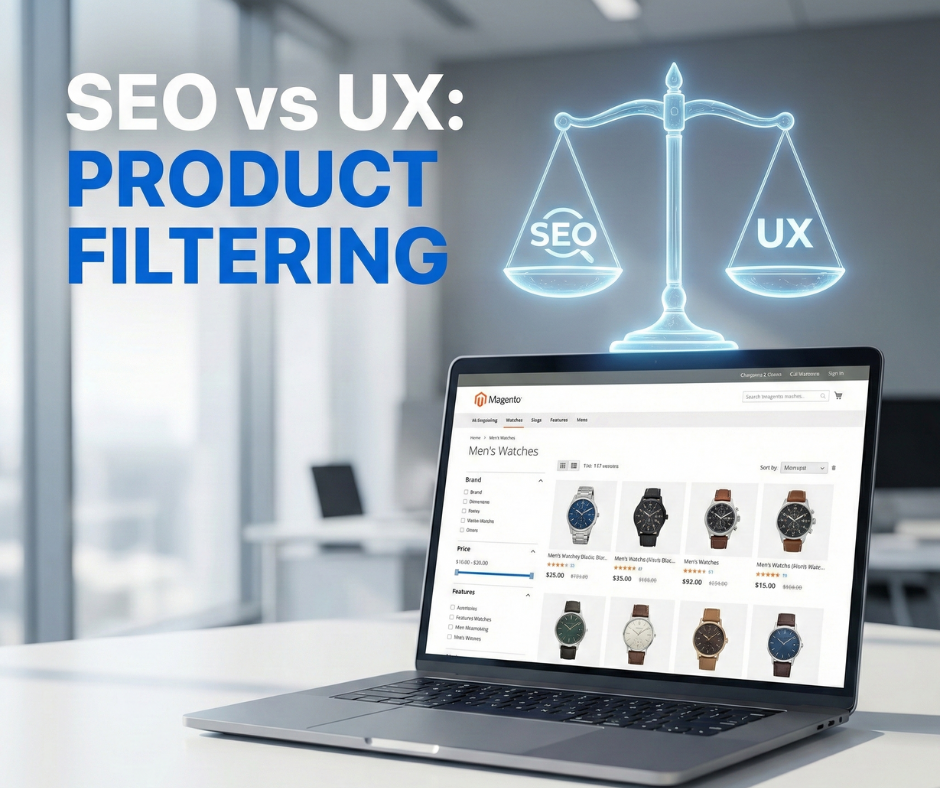
In high-stakes Magento e-commerce, robust product filtering or faceted navigation is the critical functional backbone for managing vast catalogs and reducing discovery friction. While it transforms a potentially disorganized warehouse of SKUs into an efficient procurement tool, it simultaneously presents a significant technical paradox for SEO professionals. Unmanaged filters often lead to “URL proliferation” and “crawl traps,” where every attribute combination generates a unique URL that overwhelms search engine crawlers, wastes crawl budget, and dilutes the authority of primary category pages.
This guide explores the balance of SEO-friendly product filtering vs user experience in Magento stores to help merchants avoid the common mistake of prioritizing one over the other. By moving away from extreme approaches such as allowing index bloat through unrestricted filters or hurting usability by blocking filters entirely, you can achieve an optimal technical configuration. We provide a framework to ensure your Magento store remains high-performing in search engine results pages (SERPs) while maintaining a frictionless, intuitive journey for your professional buyers and consumers alike.
Why product filtering is essential for user experience
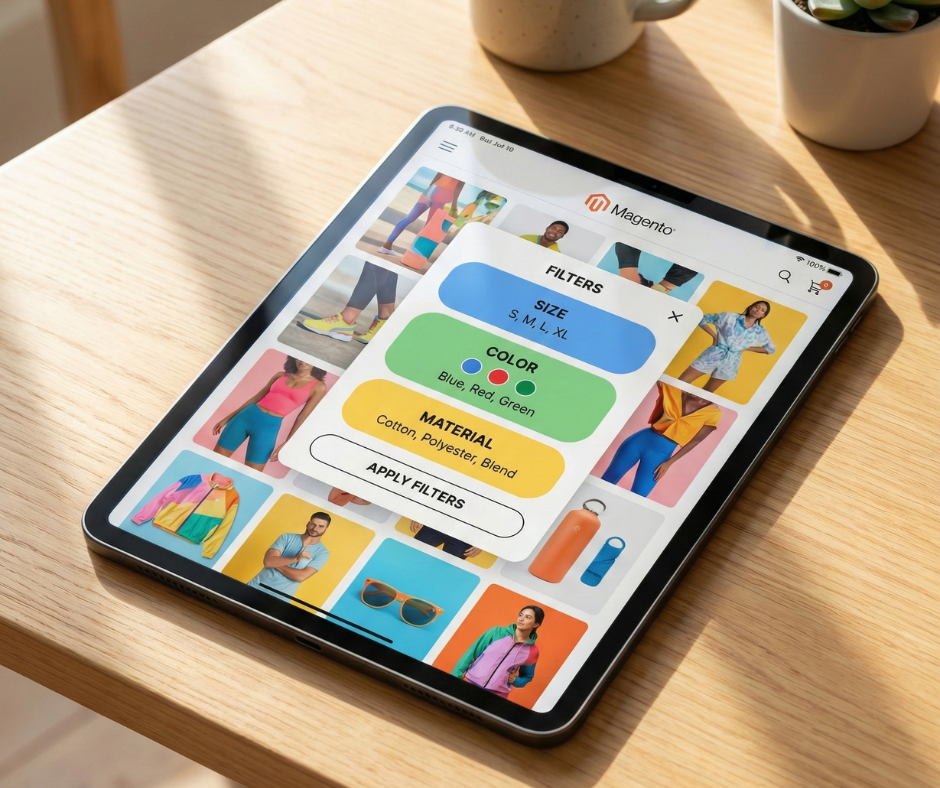
The primary goal of any e-commerce site is to help the user find the right product in the shortest amount of time. Product filtering is the most effective tool for reducing “time to cart” and improving the overall quality of discovery.
How filters improve product discovery
Modern consumers have been conditioned by giants like Amazon and Zalando to expect granular control over their shopping experience. In a Magento store with a deep hierarchy, a user landing on a “Men’s Shoes” category may be faced with 2,000 items. Without filters, they are forced to engage in “pogo-sticking”—clicking in and out of individual products—which leads to fatigue and high bounce rates. Filters allow the user to narrow that 2,000-item list to exactly the 15 items that match their specific needs, such as “Size 10,” “Waterproof,” and “Black.”
Reducing friction in large catalogs
Friction is the enemy of conversion. Every additional step or decision a user must make increases the likelihood of abandonment. Faceted navigation reduces cognitive load by presenting users with logical choices based on the attributes of the products they are currently viewing. It acts as a digital concierge, guiding the user through a massive inventory with ease. In B2B Magento environments, where catalogs often contain complex technical specifications, filtering is not just a convenience; it is a functional requirement for procurement.
Impact of filtering on engagement and conversions
There is a direct correlation between effective filtering and conversion rates. Users who use filters on an e-commerce site are often displaying higher purchase intent. By providing a responsive, easy-to-use filtering system, you increase the “stickiness” of your site. Engagement metrics like “Pages per Session” and “Dwell Time” improve because the user is actively interacting with the content rather than passively scrolling. When the user feels in control, their trust in the brand increases, leading to higher average order values (AOV) and long-term loyalty.
How product filtering impacts SEO in Magento
While the UX benefits of filtering are clear, the SEO implications are complex and often hazardous. Magento’s native architecture is designed for flexibility, but this flexibility can be a liability for technical SEO. In fact, faceted navigation seo issues in magento are the primary cause of crawl budget depletion, often leading to thousands of low-value pages being indexed instead of your core categories.
URL proliferation and crawl traps
The most immediate SEO risk is the exponential growth of URLs. If a category has five filter types (e.g., Color, Size, Brand, Price, Material), the number of possible URL combinations is astronomical. Googlebot and other crawlers have a finite “crawl budget”—the amount of time and resources they allocate to your site. If the bot spends its entire budget crawling thousands of variations of ?color=blue&size=small, it may never find your new products or high-priority category updates.
Duplicate and near-duplicate content issues
Most filtered pages are essentially duplicates or near-duplicates of the parent category page. If a “Blue Running Shoes” filter page shows the same products as the “Running Shoes” category but in a slightly different order, search engines may struggle to determine which page is the “authoritative” version. This leads to ranking instability and can even trigger quality algorithms (like Google’s Panda) that penalize sites with a high ratio of thin or duplicate content.
Index bloat and diluted ranking signals
Index bloat occurs when search engines decide to index thousands of these low-value filtered URLs. This dilutes the “link equity” or “page authority” of your store. Instead of 100% of the authority residing on your main category page, it is spread thin across 5,000 filtered variations. This prevents any single page from accumulating enough strength to rank for competitive, high-volume keywords.
Keyword cannibalization
Faceted navigation can lead to internal competition. If you have an optimized category for “Nike Shoes” and your filtering system also generates an indexable page for ?brand=nike, you are essentially asking Google to choose between two internal pages for the same search intent. This keyword cannibalization often results in both pages ranking poorly, or the less-optimized filter URL outranking the primary category page.
The core conflict: SEO-friendly filtering vs user experience
The tension between these two disciplines arises from their fundamentally different objectives. SEO is about control and exclusion; UX is about freedom and inclusion. Mastering the nuances of SEO-friendly product filtering vs user experience in Magento stores requires a strategic compromise that favors search bot efficiency without restricting the customer’s ability to browse.
SEO best practices often dictate that you should use robots.txt to block bots from accessing filters or apply noindex tags to prevent them from appearing in search. However, if implemented too aggressively, these controls can break the “functional” path of the user. For example, if you use a “Post-Redirect-Get” (PRG) pattern to hide filters from bots, you might inadvertently disable the ability for users to “Back” out of a filter or share a specific filtered result with a colleague.
Real-world trade-offs occur when a specific filter combination has high search volume. A query like “Black Leather Boots Size 9” is a high-intent, long-tail keyword. From a UX perspective, this is just a filter. From an SEO perspective, this is a potential landing page. The challenge lies in identifying which filters should be “promoted” to indexable landing pages and which should remain “private” functional tools for the user.
Common SEO issues caused by Magento product filters
Duplicate and thin content
In many Magento stores, selecting a filter doesn’t change the H1 tag, the meta description, or the introductory text of the page. This means the search engine sees two different URLs with identical on-page content. Furthermore, if a filter combination results in only one or two products, the page is considered “thin.” Google prefers pages with comprehensive content; thousands of thin pages can drag down the perceived quality of the entire domain.
Crawl and index management problems
Search engines are aggressive. They will find links in your layered navigation and follow them. If your Magento theme uses standard <a> tags for filters without any “nofollow” or “noindex” logic, you are essentially inviting bots into a maze. Indexing low-value URLs like “Price: $10 – $20” provides no value to searchers but clutters the index, making it harder for your “real” content to shine.
Internal linking and page authority dilution
Every link on a page passes a small amount of authority. If a category page has 50 filter links, it is sending authority to 50 filtered variations rather than concentrating that power on related categories or top-selling products. This “leakage” of authority is a silent killer of SEO performance in large-scale Magento stores.
Common UX problems caused by over-optimizing for SEO
The reverse is also true: over-zealous SEO can destroy a site’s usability.
Hidden or disabled filters
Some developers attempt to hide filter links from bots using JavaScript or complex AJAX configurations. If not executed perfectly, this can result in filters that don’t load correctly for users on slow connections or those using certain mobile browsers. If a user cannot find the filter they need because it has been “optimized” out of the DOM (Document Object Model), they will simply leave.
Poor filter responsiveness
To save crawl budget, some sites disable “multi-select” filtering (selecting both “Red” and “Blue”). While this prevents URL proliferation, it frustrates the user who wants to see multiple options at once. Similarly, forcing a full page reload for every filter selection—rather than using AJAX—is often done to ensure bots can see the URL, but it creates a sluggish, dated experience for the human shopper.
Confusing navigation
If SEO-driven rules force users into a rigid “Category-only” structure without the ability to jump between attributes, the navigation feels restrictive. A user who wants to browse by “Material” across all categories should be able to do so without being forced back into a specific silo.
How to balance SEO and ux in Magento product filtering
Achieving equilibrium requires a strategic, tiered approach to filter management.
Decide which filters deserve indexing
The first step is a data-driven audit. Use keyword research tools to identify which attribute combinations have meaningful search volume.
- Level 1 (Indexable): High-volume combinations like “Brand + Category” (e.g., Nike Running Shoes). These should be converted into “SEO Landing Pages” with unique URLs, custom H1s, and unique metadata.
- Level 2 (Noindex, Follow): Functional filters like “Size” or “Color.” These should remain accessible to bots (so they can find products) but should be kept out of the search index using meta robots tags.
- Level 3 (Disallowed): Technical parameters like “Sort By” or “Price Range.” These should be blocked in robots.txt to save crawl budget entirely.
Use canonical tags strategically
In Magento, canonical tags are your primary tool for signal consolidation. Every filtered URL that is not a designated “SEO Landing Page” should point its canonical tag back to the root category. For example, domain.com/shoes.html?color=red should have a canonical pointing to domain.com/shoes.html. This tells Google: “I know this URL exists for the user, but please give all the ranking credit to the main category page.”
Apply meta robots noindex without hurting ux
For Level 2 filters, the noindex, follow directive is the “gold standard.” It allows search engines to crawl through the filtered page to discover products (the “follow” part) but prevents the filtered page itself from appearing in search results (the “noindex” part). This keeps your index clean while ensuring your product discovery remains robust. Merchants often utilize a specialized Magento SEO suite to automate the application of these tags across thousands of attribute combinations without requiring manual coding.
Control crawl paths without breaking navigation
To prevent crawl traps, consider using “nofollow” on low-value filter links. This tells the bot not to follow that specific path. For more advanced setups, the “AJAX Layered Navigation” approach allows users to filter without generating new URLs in the static HTML, effectively hiding the maze from bots while keeping it fully functional for users.
Magento-specific best practices for SEO-friendly filtering
Magento offers several paths for implementation, whether through native settings or third-party extensions.
Clean vs parameterized filter urls
“Clean” URLs (e.g., shoes/red.html) are generally better for SEO landing pages because they appear more authoritative and are easier for users to read. “Parameterized” URLs (e.g., shoes.html?color=red) are acceptable for functional filters that are not intended for indexing. In Magento, ensure your URL rewrite table is optimized to handle clean URLs without creating performance bottlenecks.
Handling price, sorting, and pagination
These three elements are the most common sources of crawl waste.
- Price: Always block via robots.txt. Price ranges are rarely search terms and change too frequently to be valuable in an index.
- Sorting: Block via robots.txt or use a canonical to the default sort order.
- Pagination: Use rel=”next” and rel=”prev” (though Google no longer uses these, other bots do) and ensure the canonical tag on page 2 points to page 2 (self-referencing), not back to page 1. This ensures bots can reach deep products.
SEO considerations for layered navigation extensions
Many Magento stores use extensions (like BSS Commerce, Amasty, or Mirasvit) to enhance filtering. “Selecting a high-quality module is often the first step in learning how to control filter indexing without hurting performance in Magento, as these tools provide the granular logic needed to manage thousands of attribute combinations without straining the database. When choosing an extension, ensure it supports:
- AJAX loading (for UX speed).
- Individual SEO settings for each attribute (to decide what is indexable).
- Custom H1 and Meta tags for filtered combinations.
- Proper canonical logic that doesn’t conflict with Magento core.
SEO & UX checklist for Magento product filtering
Follow this checklist to audit and optimize your Magento filtering system:
- Identify “Golden” Attributes: Which attributes (Brand, Material, Type) have search volume? Enable indexing for these.
- Audit Meta Robots: Ensure noindex is applied to Size, Price, and Multi-select URLs.
- Verify Canonicals: Do all low-value filter URLs point back to the root category?
- Robots.txt Disallows: Are ?product_list_order, ?product_list_dir, and price parameters blocked?
- UX Test: Can a user select multiple filters and click “Back” in their browser without an error?
- Speed Check: Does the filter selection take less than 200ms to update the product grid (via AJAX)?
- Search Console Monitor: Check the “Indexing” report for a spike in “Excluded” pages; ensure they are intentionally excluded.
Final thoughts
SEO-friendly product filtering and a superior user experience are not mutually exclusive. In fact, they are two sides of the same coin: relevance. A site that is perfectly optimized for SEO but impossible to use will never convert its traffic. Conversely, a site that is a dream to navigate but invisible to search engines will never acquire that traffic in the first place.
The key to success in Magento is prioritization. You must decide which data points are “public signals” for search engines and which are “private tools” for your customers. By aligning your technical controls with user intent, you transform your layered navigation from a technical liability into a powerful engine for growth. Understanding the synergy between SEO-friendly product filtering vs user experience in Magento stores is critical for maintaining a competitive edge. Encourage your SEO and development teams to collaborate closely on these configurations—because a Magento store that balances both disciplines will always scale better and convert better than its competitors. Continuous optimization and regular technical audits are the only way to stay ahead in the ever-evolving landscape of e-commerce search.